Guide · Stream Deck XL
Thirty-two keys
A playback wing on one page, and the show's pools on the other.
- Deck
- Stream Deck XL
- Starter profile
- CueDeck XL
- Best at
- A playback wing on one page, pools on the other
1. Playbacks
Tap a picture to open it in full size.
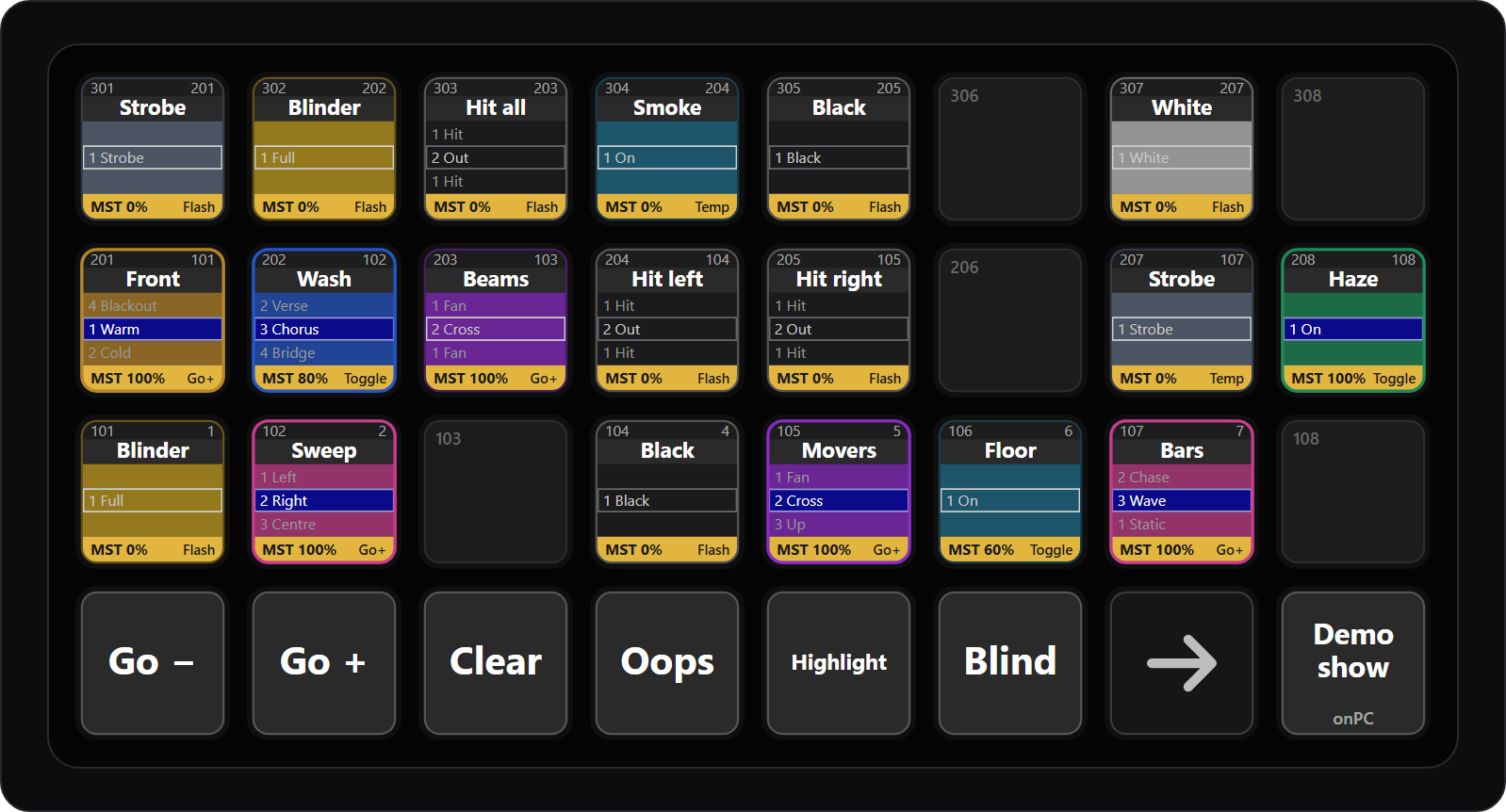
The three rows are executors 301–308, 201–208 and 101–108 on the page that is active in grandMA3. They are stacked as in the playback window, so a column of keys is one executor column. A press does what that key is set to in grandMA3: Go+, Flash, Toggle, Temp.
The bottom row is shortcuts: Go −, Go +, Clear, Oops, Highlight and Blind. They are plain grandMA3 commands, so they work in any show. The arrow is Stream Deck's own key for the next page.
2. Pools
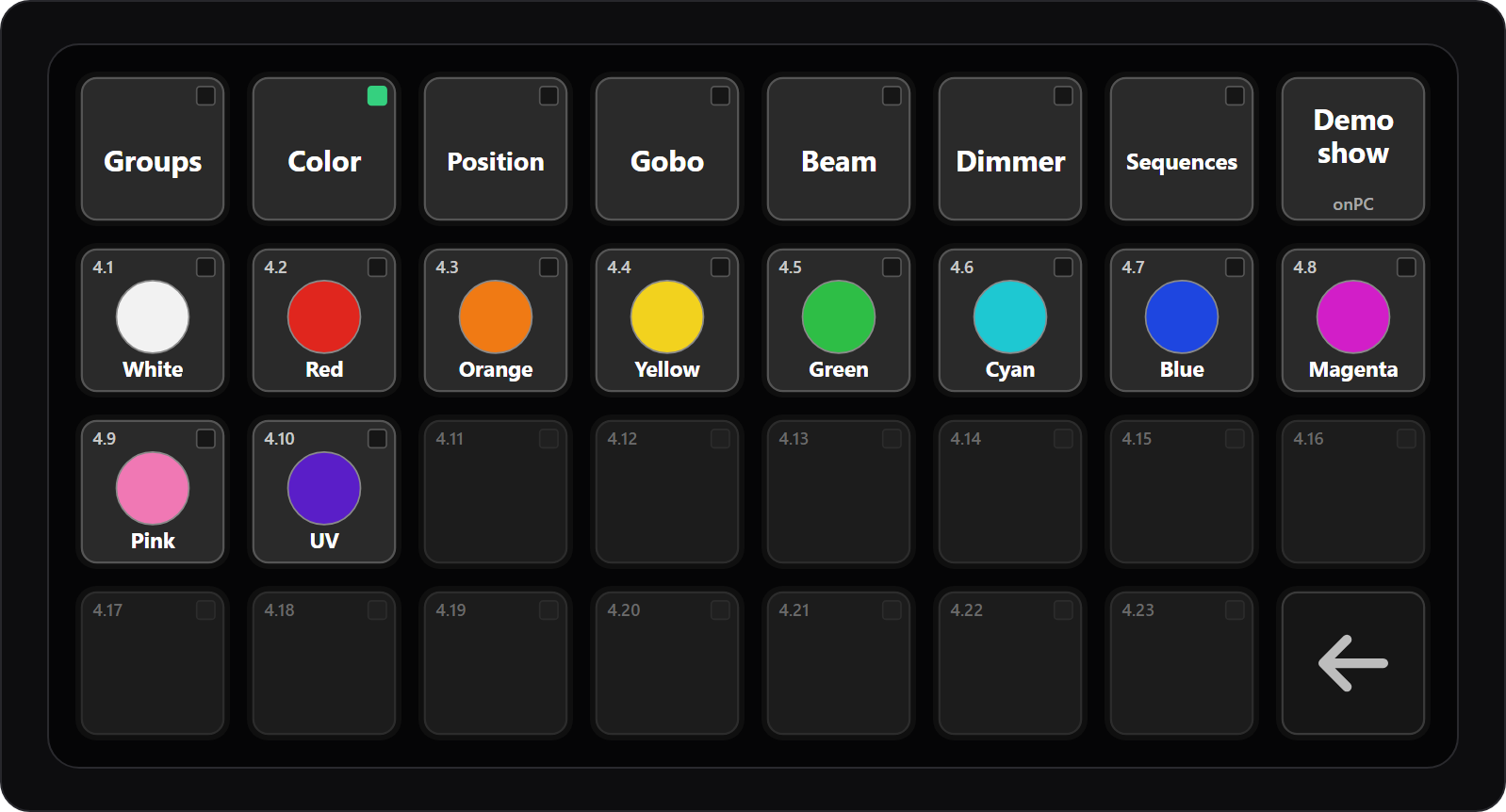
The top row picks what the 23 keys below show: Groups, one of the five preset pools, or Sequences. The square is lit on the one that is chosen. The arrow goes back to Playbacks.
- Groups
- Press selects
- Presets
- Press applies to the selection
- Sequences
- Press = Go+, long press = Off
3. Encoders and faders?
This deck has no dials. Use grandMA3's own encoders and faders for values and levels, and the deck for everything you press.
Make it yours
- Other executor rowsThe first key of each row holds the start:
Page *.301. Change it, and the seven keys after it follow. - Other poolsThe settings of a key in the top row:
Color = Preset 4.1. - Another shortcutA Command key takes any grandMA3 command and the name to show.